 Tooly
ToolyTooly reads the members of the groups you're in from your own signed-in WhatsApp Web session and exports them to a file. It's read-only and runs on your device — and it respects privacy: numbers WhatsApp hides stay hidden.
Export group members in 7 steps
-
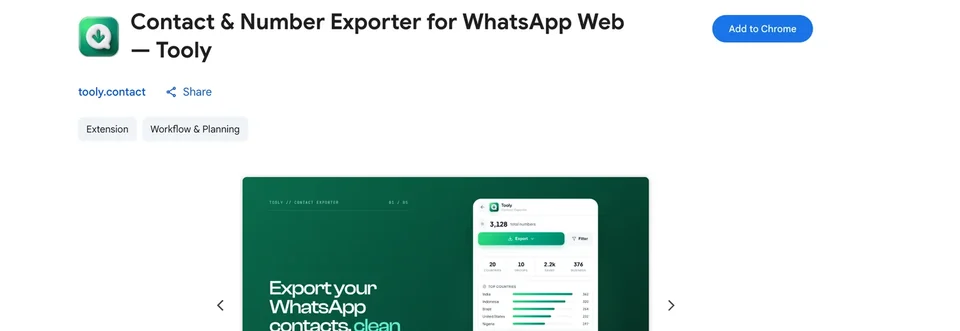
Install Tooly
Add Tooly to Chrome from the Web Store — one click, free, and nothing to register.
-
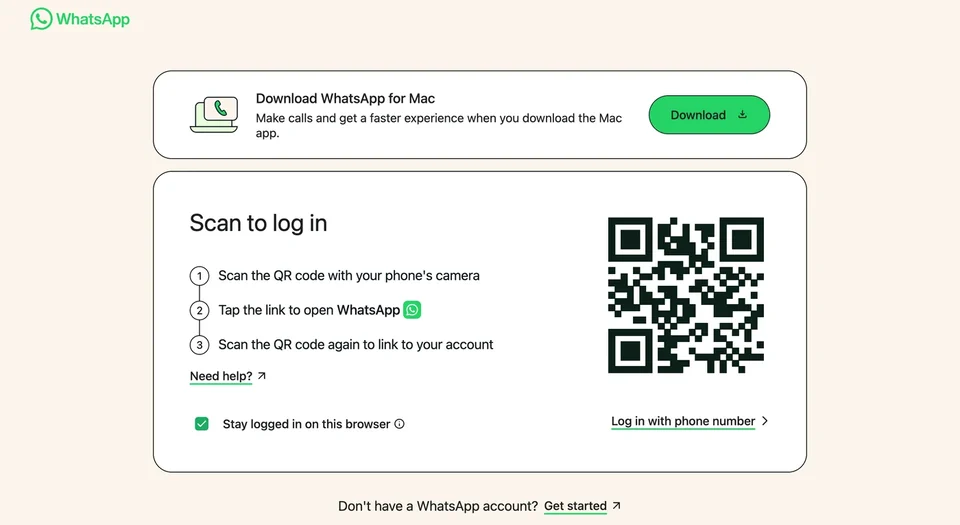
Sign in & open the groups
Log in at web.whatsapp.com by scanning the QR, then open each group you're exporting so WhatsApp loads its member list.
-
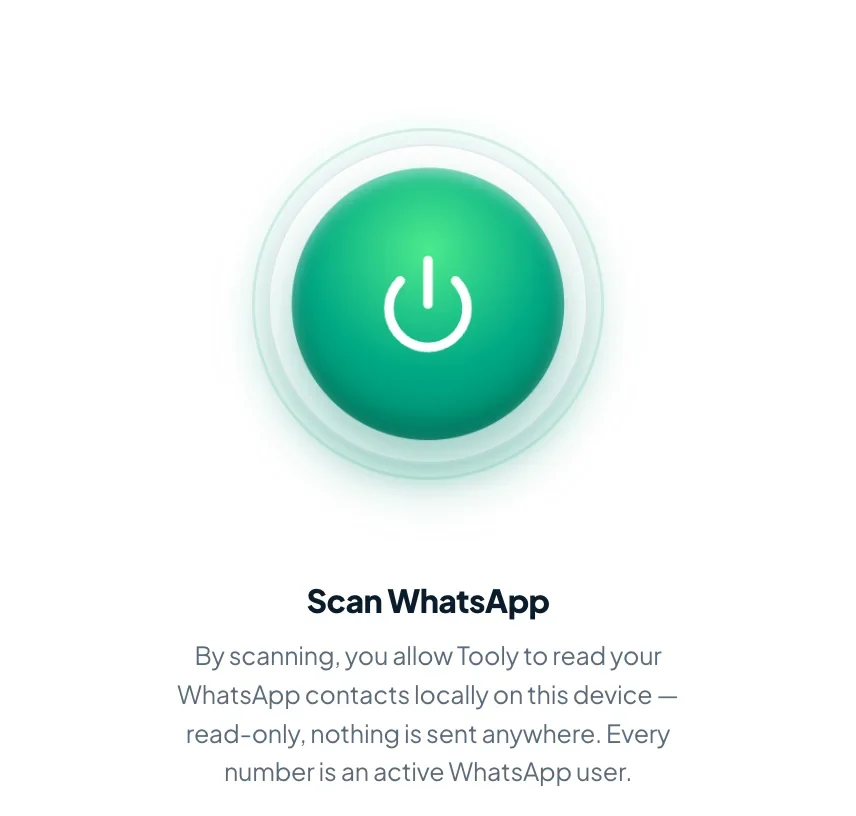
Scan with Tooly
Launch Tooly's side panel and press Scan WhatsApp. It reads what's already loaded in your session, read-only, without messaging anyone.
-
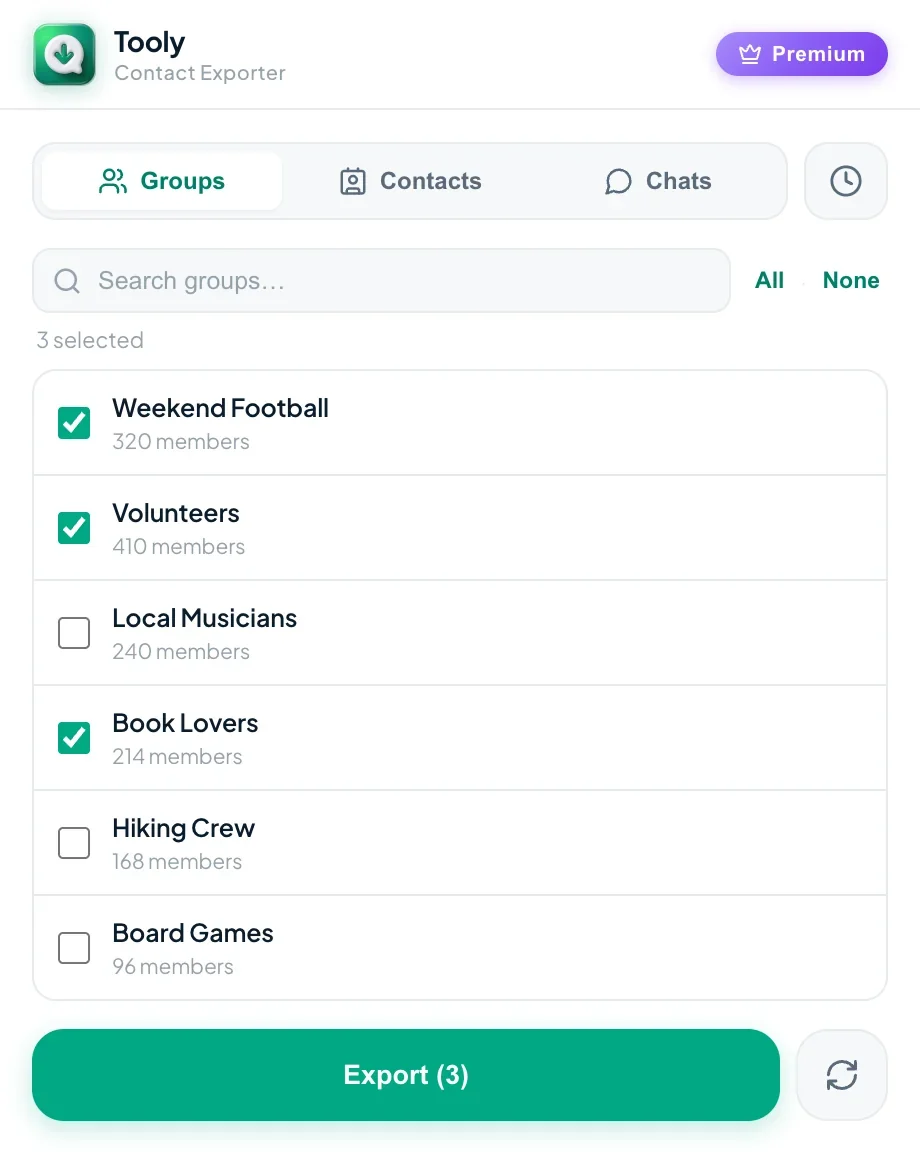
Choose which groups
Open the Groups tab and check off the ones you need. Pick several and Tooly merges them, dropping anyone who appears twice.
-
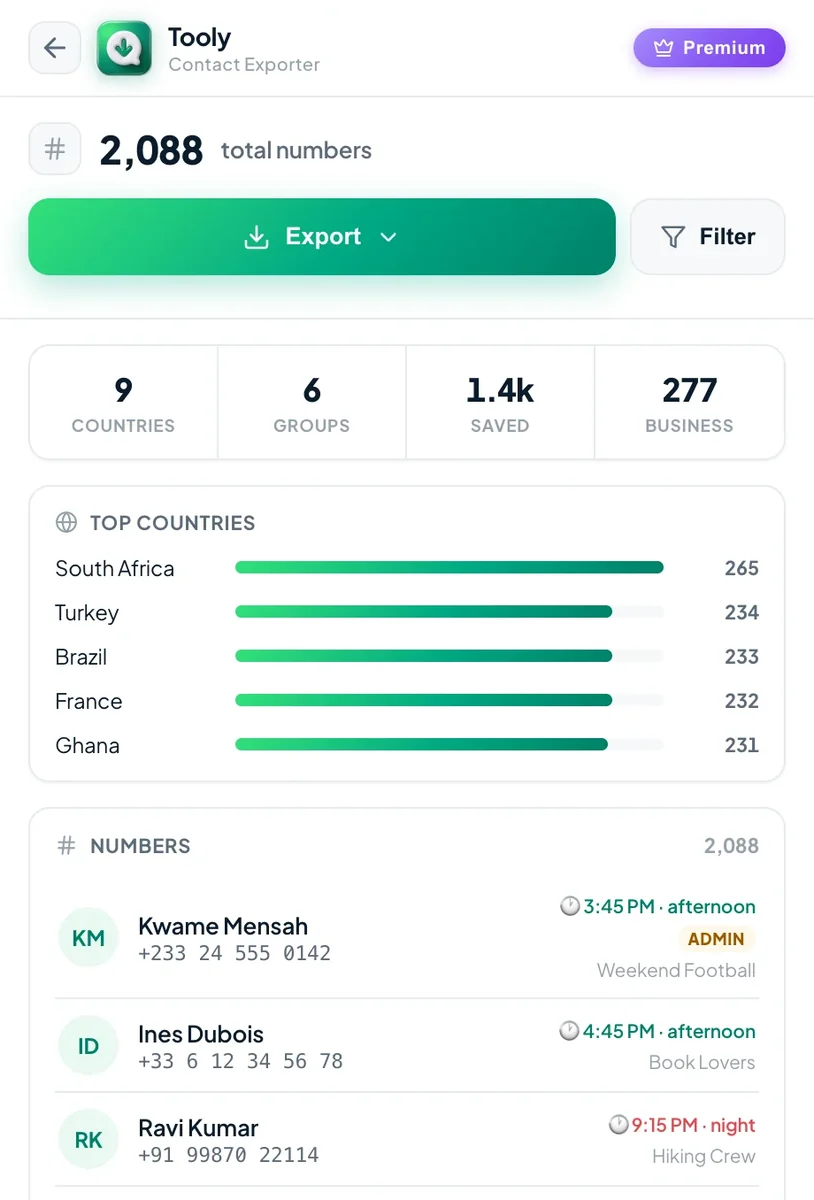
See who's included
Review each member with their name and the number you're allowed to see. Anyone WhatsApp keeps private is labelled as such — never guessed.
-
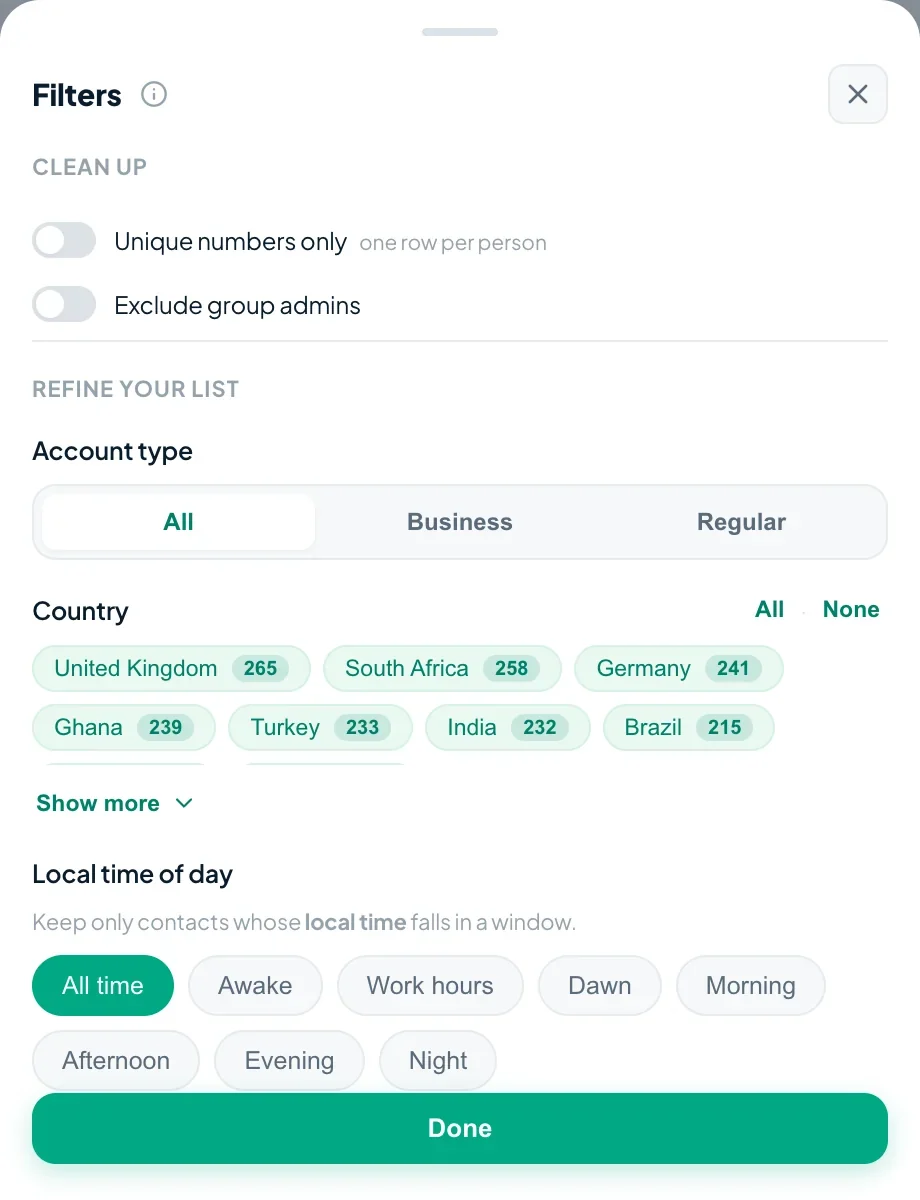
Narrow it down (optional)
Use Filter for only unique numbers, a single account type or specific countries — or leave it to keep every member.
-
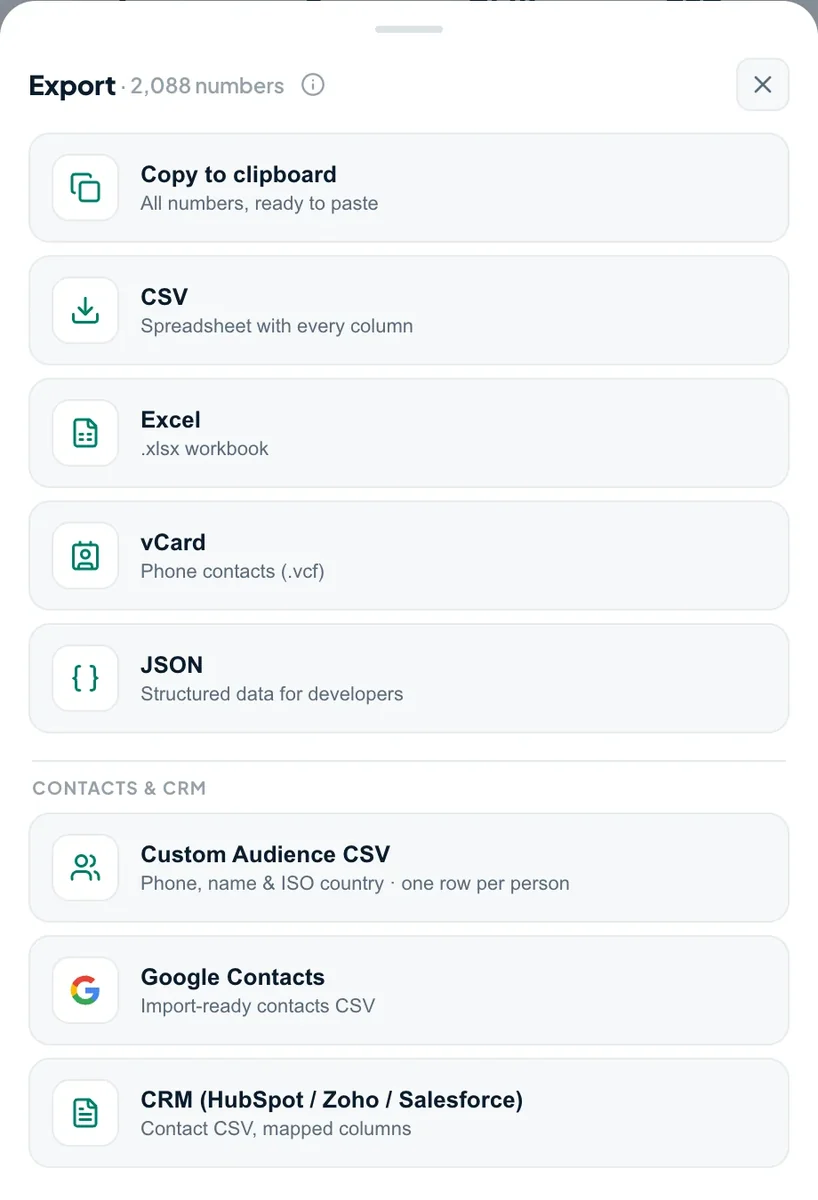
Export the members
Press Export and save as CSV, Excel or vCard — one clean row per member, name and available number side by side.
Export WhatsApp group members to Excel
Excel (.xlsx) is the format most organizers reach for — a group turned into a sortable spreadsheet you can headcount, de-duplicate and hand to a co-host. In Tooly's export menu pick Excel instead of CSV: every member becomes one row, name and available number in their own columns, ready to sort or filter. Choose several groups and they merge into one sheet with duplicates removed. It's the same free, on-device scan — see the full Excel export guide for column details.
About member numbers & privacy
WhatsApp deliberately hides the phone number of any group member who hasn't shared it with you or whom you haven't saved as a contact. Tooly shows those as private — it never fabricates a number. You'll see counts of how many were hidden. Please use exported data lawfully, with consent, and in line with WhatsApp's terms — never send unsolicited messages.
Frequently asked questions
How do I export a WhatsApp group members list?
Open the group on web.whatsapp.com so it loads, then press Scan in the free Tooly extension. Tick the group in the Groups tab and choose Export — CSV, Excel or vCard. Each member becomes one row with their name and the number available to you. It's read-only and runs on your device.
How do I extract the members list from a WhatsApp group?
Tooly reads the members already loaded in your signed-in WhatsApp Web session and turns them into a downloadable list — no messaging, no automation. Pick one group or several, and Tooly merges them and drops duplicates. Numbers WhatsApp hides stay marked private, never guessed. Free, unlimited and nothing is uploaded.
How do I save all WhatsApp group numbers to Excel?
Open the group on WhatsApp Web, scan with Tooly, tick it in the Groups tab, then Export → Excel. Every member's name and available number becomes one row — duplicates removed if you pick several groups. See export to Excel.
How do I export WhatsApp group members to Excel?
In Tooly's export menu choose Excel (.xlsx). Each member becomes one row — name and available number in their own columns — so you can sort, headcount or de-duplicate the group. Select several groups and they merge into a single sheet. Same free, read-only scan, on your device.
How do I download WhatsApp group phone numbers?
Open the group on WhatsApp Web so the member list loads, press Scan in the free Tooly extension, tick the group in the Groups tab, then Export. Tooly downloads each member's name and the phone number available to you as a CSV, Excel or vCard file — read-only, on your device, and free.
Can I export group members' phone numbers?
You can export the numbers available to you. WhatsApp hides numbers of members who haven't shared them or whom you haven't saved; Tooly marks those as private rather than inventing a number.
Can I export more than one group at once?
Yes — select several groups and export together. Tooly de-duplicates people who appear in more than one group.
Is it free?
Yes — exporting group members is free and unlimited, no account required.
Should I message people I export?
Only with consent. Tooly is a read-only export tool; you're responsible for using exported data lawfully and respecting privacy and WhatsApp's terms.
Turn a group into a contact list
Every member as one clean row — names and the numbers you can see. Free, and never uploaded.
Add Tooly to Chrome — free